Every LLM provider has outages. OpenAI, Anthropic, Groq — all of them. If your app calls one provider with no fallback, every outage becomes your outage. Your users see errors, your support queue fills up, and your team scrambles to fix something they can't control.
This post covers how to build automatic failover so your app stays up even when providers go down.
Why LLM Failover Is Tricky
Failover for LLM APIs is trickier than typical service failover:
- Models aren't interchangeable — switching from GPT-4o to Claude changes the output. You need to know if your fallback produces acceptable results for your use case.
- Cost varies — falling back to a more expensive model has real cost impact at scale.
- Rate limits ≠ outages — a 429 (rate limit) might resolve in seconds. A 503 (outage) might last hours. They need different responses.
- Streaming complicates recovery — if you're mid-stream when a provider fails, recovery is harder than for simple request/response.
The Four Layers of Failover
Layer 1: Retry with backoff
The simplest resilience layer. A request fails, you wait a bit, and try again. This handles brief network issues and momentary provider hiccups. With DeltaLLM, retries are built into the gateway:
router_settings:
  num_retries: 2
  retry_after: 1    # seconds before first retry
  timeout: 600      # max request time
No application code needed. The gateway handles retries transparently.
Layer 2: Provider fallback chains
When retries on the primary provider fail, hand off to a different provider entirely:
model_list:
  - model_name: production-llm
    deltallm_params:
      model: openai/gpt-4o
      api_key: os.environ/OPENAI_API_KEY

  - model_name: production-llm-fallback
    deltallm_params:
      model: anthropic/claude-3-5-sonnet-20241022
      api_key: os.environ/ANTHROPIC_API_KEY

deltallm_settings:
  fallbacks:
    - production-llm:
        - production-llm-fallback
Your app calls production-llm. If OpenAI is down, DeltaLLM automatically routes to Anthropic. Your app never sees the switch.
DeltaLLM also supports specialized fallback chains for different failure types:
- context_window_fallbacks — when the input is too large for the first model, fall back to one with a bigger context window.
- content_policy_fallbacks — when a provider rejects the content for policy reasons, try a different provider.
Layer 3: Smart routing strategies
Instead of waiting for failures, route proactively based on health and load. DeltaLLM supports nine routing strategies:
| Strategy | When to use it |
|---|---|
simple-shuffle | Default — randomly picks a healthy deployment |
weighted | You want a planned traffic split like 90/10 |
priority-based-routing | You want a primary with a clear standby |
least-busy | Balance load during traffic bursts |
latency-based-routing | Route to the fastest provider |
cost-based-routing | Route to the cheapest option |
usage-based-routing | Spread demand across quota limits |
rate-limit-aware | Avoid providers near their rate limits |
tag-based-routing | Route by region, tenant, or capability |
Layer 4: Circuit breaker
A circuit breaker prevents sending requests to a provider you already know is down. Instead of letting every request fail and retry, the circuit "opens" after a threshold of failures:
router_settings:
  allowed_fails: 2     # mark unhealthy after 2 failures
  cooldown_time: 60    # seconds before retrying the provider
After 2 failures, the provider is taken out of rotation for 60 seconds. After the cooldown, a test request checks if it's back. This prevents wasting time and user patience on a known-bad provider.
Managing Failover in the Admin UI
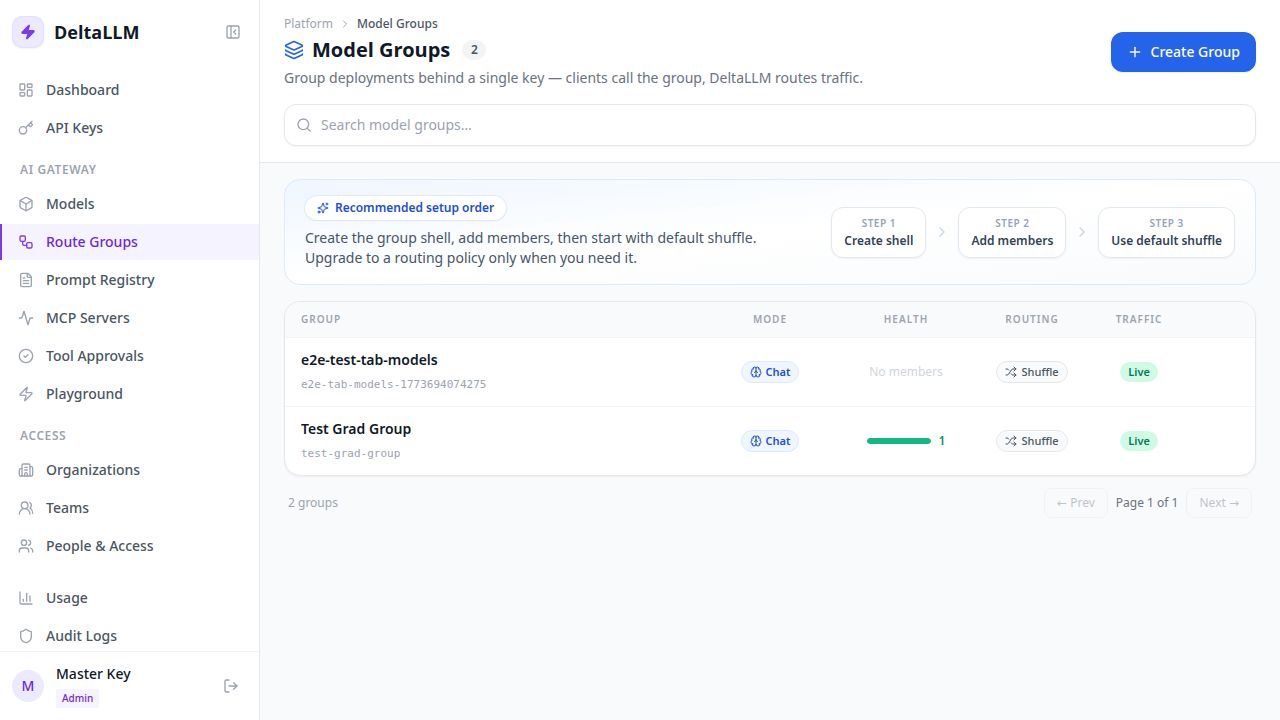
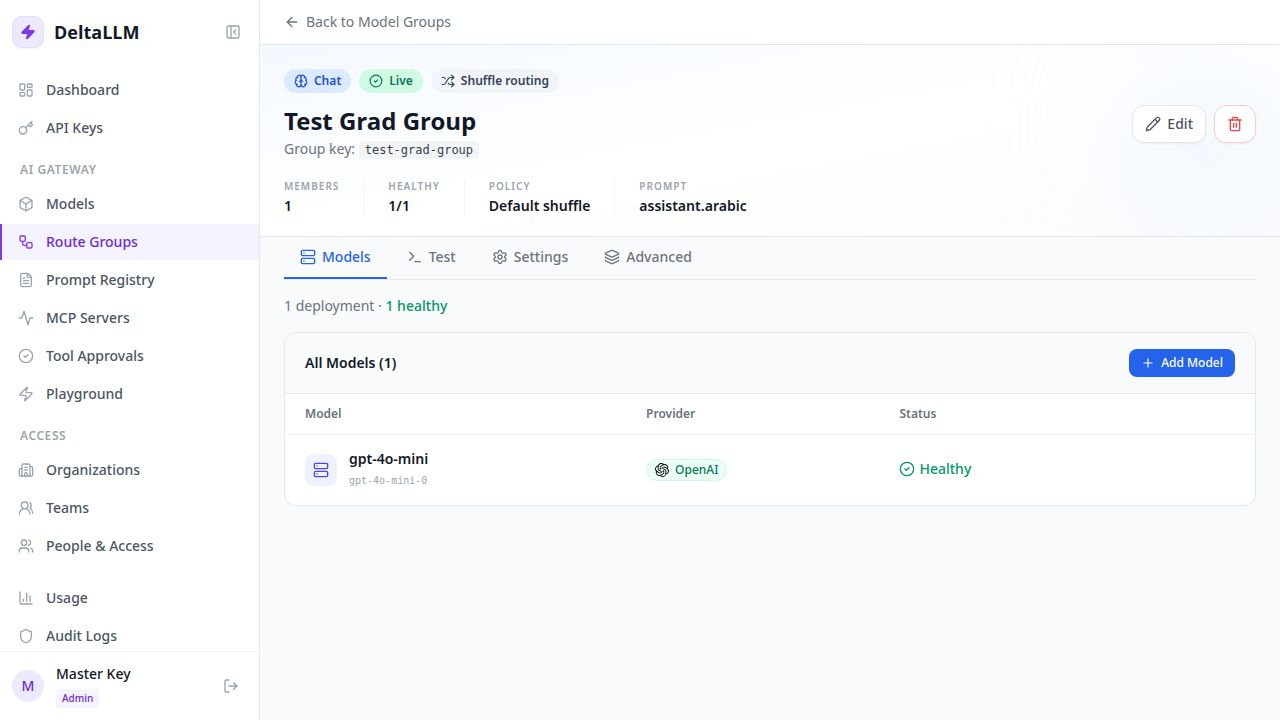
DeltaLLM's Route Groups give you a visual way to manage failover without editing config files. Create a group, add member deployments, choose a routing strategy, and the gateway handles the rest:
Choosing Fallback Models
| Factor | What to consider |
|---|---|
| Output quality | Will your fallback produce acceptable results for your use case? |
| Context window | If your primary has 128K context, your fallback should match. |
| Cost | Falling back to an expensive model should be temporary and monitored. |
| Feature parity | If you use function calling or vision, your fallback must support it. |
Monitoring Failover
Every provider switch is a signal worth tracking. DeltaLLM logs fallback events so you can spot patterns:
GET /health/deployments— current deployment healthGET /health/fallback-events— recent retry and failover activityGET /metrics— latency, traffic, and failure metrics for Prometheus
A sustained high failover rate means you're hitting provider limits regularly — time to negotiate higher quotas or adjust your routing strategy.